

Why Isn't My Website Showing Up on Google?
You type your business name, or what you sell, into Google. You scroll. Page one, page two... and your website is nowhere. It's a frustrating moment, especially after all the work of building the site. The good news is that there's almost always a concrete reason, and most of them can be checked in a few minutes, with free tools.
Start by telling two situations apart, because they don't have the same causes:
- Your site isn't on Google at all. Type site: followed by your address (for example site:yourbakery.com). If nothing comes up, Google hasn't stored any of your pages. The first four causes below are the usual suspects.
- Your site is on Google, but not on the searches you want. Your pages show up with the site: search, but not when someone types "florist in Leeds". The last four causes are the ones to look at.
Each cause comes with a way to check it and a first fix, the kind you can usually start in a few minutes. Most of the checks use Google Search Console, Google's free tool for website owners. If you haven't set it up yet, our step-by-step guide to getting your website on Google for free shows you how.
1. Your site is too new
Google doesn't see a new site the moment it goes online. It has to discover it, visit its pages, then decide which ones to keep. Google says itself that this can take anywhere from a few days to a few weeks, and it gives no fixed date.
How to check: when did your site go online, or move to its current address? If it's recent and the site: search still shows nothing, time may be the only problem.
How to fix it: you can't speed up the calendar, but you can make sure Google isn't waiting for anything: declare the site in Search Console, send your sitemap, and request indexing for your key pages. Then resist the urge to rebuild everything each week. Changing course constantly is one of the classic mistakes: Google never gets the chance to see a stable version of your site.
2. It was never declared to Google
Many sites are simply waiting for Google to stumble across them. When no other site links to yours and you've never told Google it exists, that can take a long time.
How to check: do you have a Google Search Console account with your site in it? If you've never heard of it, the answer is almost certainly no.
How to fix it: create the account, add your site, verify that it's yours, then send your sitemap. It takes about ten minutes, and every step is laid out in our guide to getting your website on Google.
3. A page blocks Google
Sometimes the site itself tells Google to stay away, usually without its owner knowing. Three common culprits:
- A "noindex" instruction, hidden in the page's code, which says "don't show this page in your results". It's often left over from when the site was being built.
- The robots.txt file, a small file at the root of your site that tells search engines which areas they may visit.
- A password or "coming soon" page: a new Shopify store, for instance, stays behind a password page until you remove it.
How to check: in Search Console, paste the address of a page into the URL inspection bar at the top. If it says "Excluded by noindex tag" or "Blocked by robots.txt", you've found the cause. Without Search Console, type your address followed by /robots.txt: a line reading Disallow: /, with nothing after the slash, usually closes the whole site. And open your site in a private browsing window: if it asks for a password, Google gets the same wall.
How to fix it: on WordPress, go to Settings, then Reading, and untick "Discourage search engines from indexing this site", a box people often forget after launch. On Wix, Squarespace or Shopify, check the site's visibility and SEO settings, and remove the password page. In an SEO plugin, check that your important pages are allowed to appear in search results. Then request indexing again for those pages.
4. No other site links to it
Google finds sites mainly by following links from one site to another, and it treats a link from a serious site a little like a recommendation. A site nobody links to is hard to find, and hard to trust.
How to check: in Search Console, open the "Links" report in the left menu. If the list of sites linking to you is empty or nearly empty, this is part of the problem.
How to fix it: start with the easy, free links: the directories that fit your trade, your partners and suppliers, your social profiles with your website address on them. Don't buy links in bulk, and avoid dubious directories: at best it does nothing, at worst it can backfire. Our article on understanding links from other sites explains how to earn them honestly.
5. Your pages are too thin, or duplicated
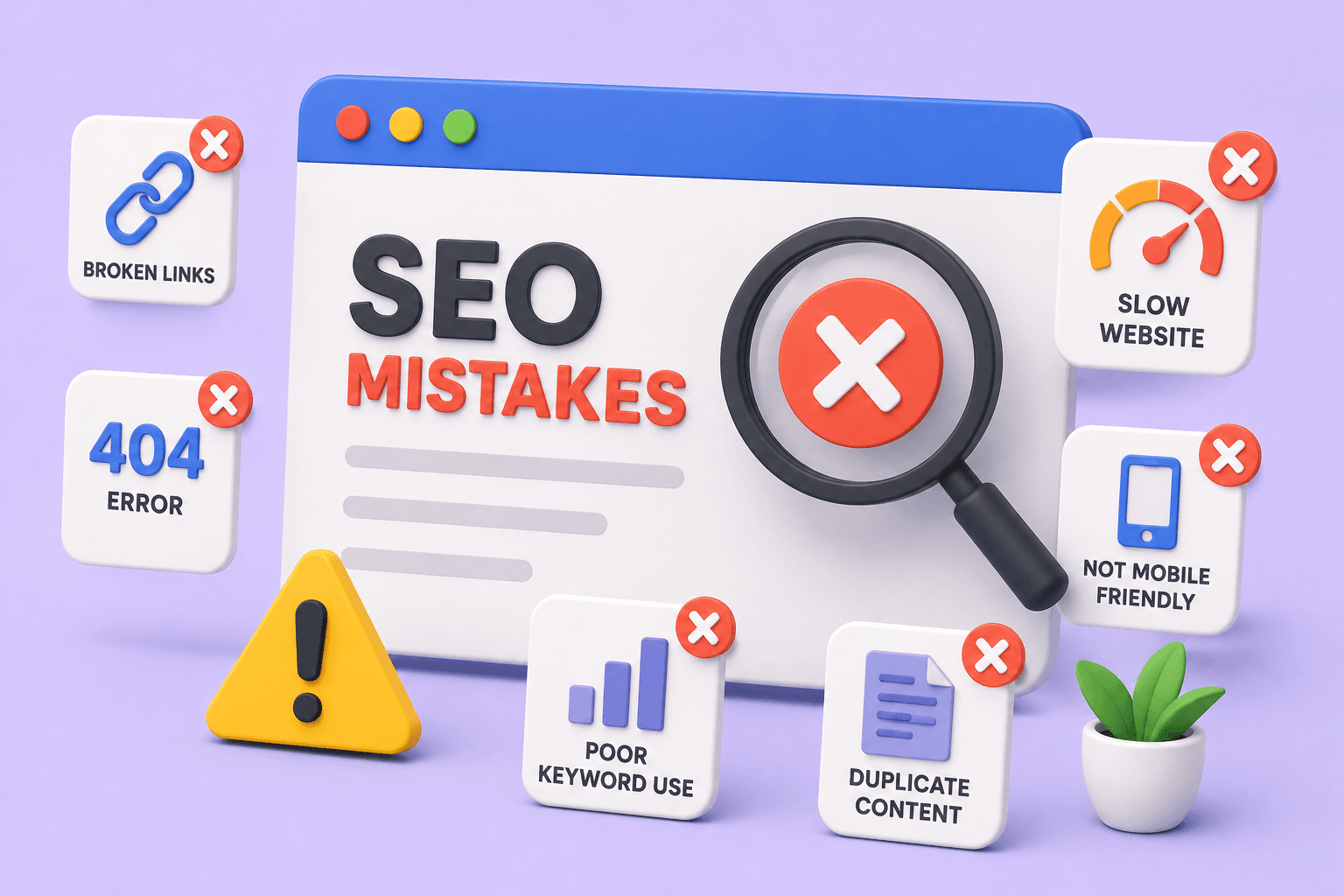
Google may visit a page and decide it isn't worth keeping. A page with three lines of text, a page that repeats another one word for word, or a product description copied from the manufacturer that you'll find on fifty other sites: none of them really answers anyone's question.
How to check: read your important pages as if you were a stranger. Would you know what's on offer, for whom, where, at what price and how to order? In the "Pages" report of Search Console, statuses such as "Crawled - currently not indexed" or "Duplicate without user-selected canonical" often point to pages Google found too weak or too similar to another.
How to fix it: pick your most important page and add what a customer really wants to know, including the questions you get asked all the time. On an online store, rewrite product descriptions in your own words, starting with your best sellers. Merge pages that say the same thing, and link your pages to each other so visitors, and Google, can find their way around. One complete, useful page beats five empty ones.
6. Your titles are missing or weak
The page title is the blue line people click on in Google's results. It's also one of the first things Google reads to understand what a page is about. A title such as "Home", "Untitled" or "Products", or the same title on every page, gives it almost nothing to work with.
How to check: run the site: search and look at the blue titles of your pages. Do they say, in a few words, what each page offers and, if it matters, where?
How to fix it: in your site builder's SEO settings, give each page its own title that names its subject first, for example "Wedding florist in Leeds - Rose & Fern" rather than "Welcome". Keep it to around 60 characters, because Google often cuts longer titles, and don't repeat the same word three times: write for people first. Add a short description too, the grey text under the title, which makes people want to click. Our guide to the on-page basics goes through titles and headings step by step.
7. Your site is slow or broken on mobile
Most searches happen on a phone, and Google mainly looks at the mobile version of your site. A page that takes ages to load, text you have to zoom in to read, buttons too close together: visitors leave, and Google notices.
How to check: open your site on your own phone, on mobile data rather than Wi-Fi. Is it quick, readable, easy to use with your thumb? For a more objective view, Google's free PageSpeed Insights tool gives each page a score and lists what slows it down.
How to fix it: the most common culprit is images that are far too heavy, photos straight from a camera or phone. Compress them before uploading. Remove the plugins or apps you no longer use, and choose a theme that adapts to small screens. Our article on site speed and its effect on visibility shows where to begin.
8. The search you're aiming for is very competitive
Sometimes nothing is wrong with your site: the search is simply crowded. On "shoes" or "hotel", a small site is up against national brands, marketplaces and comparison sites that have been there for years.
How to check: type the search you'd like to appear on. If the first page is full of big names, giant directories and household brands, that exact search is out of reach for a young site, for now.
How to fix it: aim for more precise searches, the ones your real customers type. Add your town, your speciality or the exact product: "wedding florist in Leeds" rather than "florist", "handmade leather wallet" rather than "wallet". Fewer people type them, but those who do are much closer to buying, and you face far less competition. In Search Console, the "Performance" report shows the searches where you already appear, even on page 2 or 3: those are your best opportunities. If your customers are nearby, your Google Business Profile matters a lot too, and our guide to local search explains how to make the most of it.
Where to start
Go through the list in order. The first three causes can keep your site off Google entirely, so check them first: a single forgotten box can explain everything. The others decide how high you appear and on which searches, and they improve step by step rather than overnight.
Fix one cause at a time, calmly, then move on to the next. Once your pages are indexed, follow a few simple numbers to see what's working: our guide to measuring your results helps you pick the right ones. And to see how all these fixes fit together, our complete guide to making your website visible gives you the big picture.
Would you rather know straight away which of these causes applies to your site? Our free website audit looks at your site and explains, in plain language, what is keeping it out of Google and what to fix first. A free semchat account comes with one site analysis and one message on us: the analysis shows you part of the results, and a first payment unlocks all of them.
Turn theory into action
Ask semchat your question and get a clear action plan for your site in seconds.
Try semchat